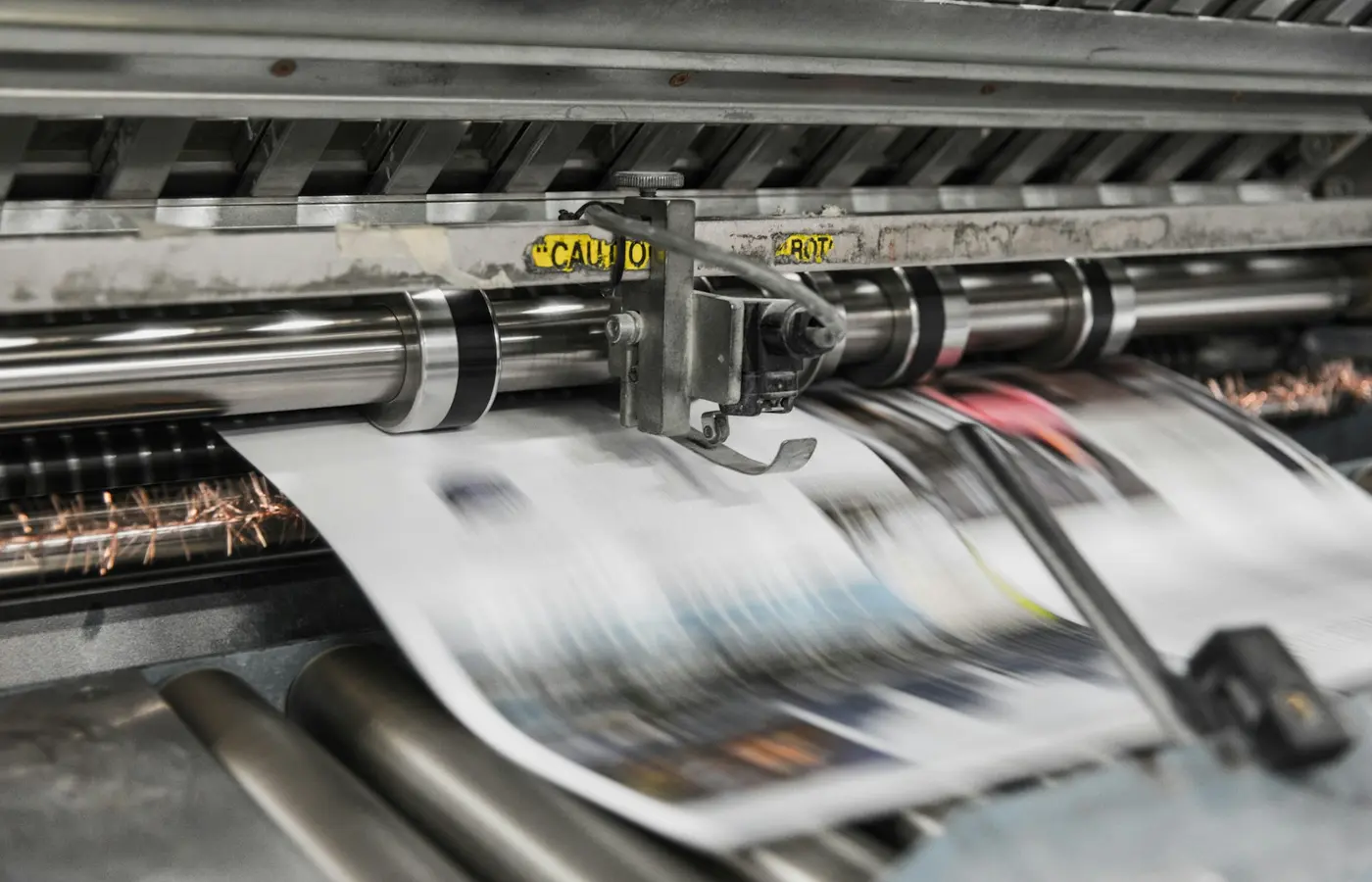

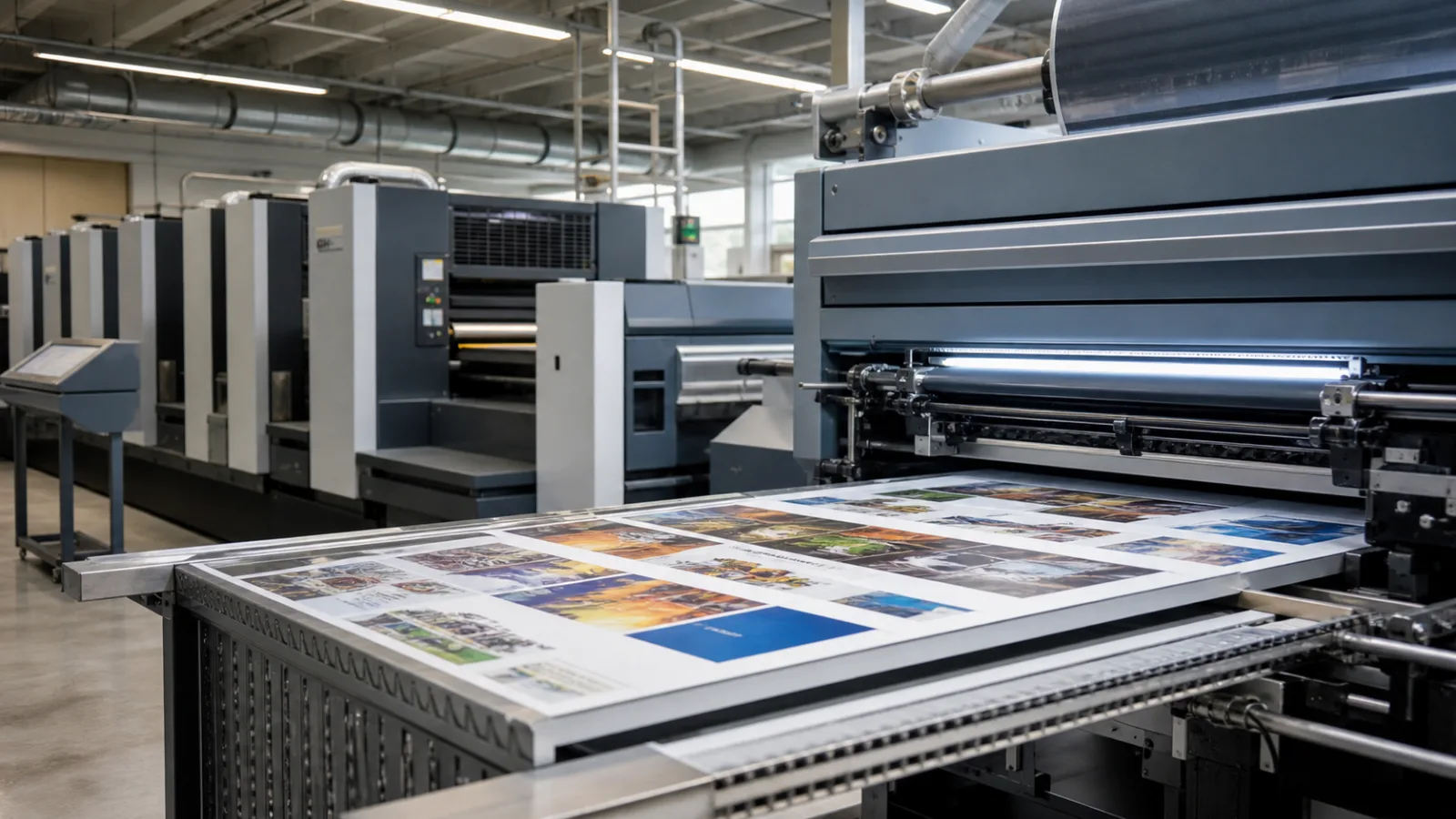
Digital printing creates each image from electronic data rather than from a permanent image carrier. A raster image processor translates the page into the dots, screening and colour separations that a press can reproduce. The engine then places toner or ink only where the current page requires it.
Toner and inkjet routes
Electrophotographic presses use charge to form a latent image, attract toner and transfer it to the substrate before fusing. Production inkjet systems eject controlled droplets from arrays of nozzles. Some inks absorb into paper; others require drying, curing or a surface treatment that controls spread. In dye-sublimation printing, inkjet first images a temporary carrier before heat transfers the colour to a polyester-rich surface.
Because the image can change on every impression, digital presses support short runs, versioning and variable data. They also remove plate imaging and much of the make-ready waste associated with changing analogue jobs.
Workflow still matters
Digital does not remove prepress. Files still need correct colour spaces, fonts, image resolution, bleed and finishing allowances. Substrate profiles and press calibration determine how consistently the intended colour becomes a printed result. A successful workflow treats press, paper, ink and finishing as one production system rather than assuming that a printable PDF guarantees an accurate job.
The job becomes press-ready data
A production PDF first passes through preflight. Fonts, transparency, image resolution, colour spaces, bleed, trim and finishing separations are checked against the order. The raster image processor then converts pages into the screened pixel data the engine can image. Imposition may arrange several pages or products on a sheet, adding registration marks, barcodes and cut information.
The RIP also applies colour management. Source colours are converted toward the characterised press-and-paper condition. Calibration keeps the device near that condition; profiling describes what the calibrated combination can reproduce. Neither step can create colours outside the available gamut, so demanding brand colours may need an agreed process-colour match or a press with additional colour stations.
Electrophotographic printing
Electrophotographic presses create a charged latent image, develop it with toner, transfer that image and fix it to the substrate. Implementations differ: some use dry toner, others liquid toner, and the transfer sequence varies by manufacturer. Heat and pressure are common parts of fixing, which makes paper moisture, dimensional stability and heat resistance important.
The image is essentially dry when it exits the engine, enabling rapid cutting or folding, but “ready immediately” should not be assumed for every laminate, adhesive or coating. Test bond strength and surface energy through the full finishing route.
Production inkjet
Inkjet printheads eject controlled droplets through arrays of nozzles while the substrate moves beneath them. Single-pass web and sheetfed systems image at production speed; scanning devices move a carriage across the media. Drop placement, nozzle health, waveform, ink rheology, surface treatment and transport stability all influence the printed dot.
Water-based inkjet needs a way to manage carrier liquid. A treated paper can immobilise colourant near the surface while drying removes water. Too much liquid or an unsuitable sheet can cause cockle, mottle, show-through or loss of sharpness. UV systems cure reactive ink with energy rather than relying mainly on absorption, creating a different set of adhesion and flexibility questions.
For day-to-day stability, see production inkjet maintenance.
Why every page can change
Because imaging is driven by data rather than a fixed plate, the press can change text, images and codes from one impression to the next. That supports personalised mail, serialisation, versioned manuals, targeted catalogues and on-demand book production. It also creates a data obligation: records must be validated, privacy controlled, fonts and layouts tested against the longest values, and camera verification used where each code must be unique and readable.
Paper transport and image quality are linked
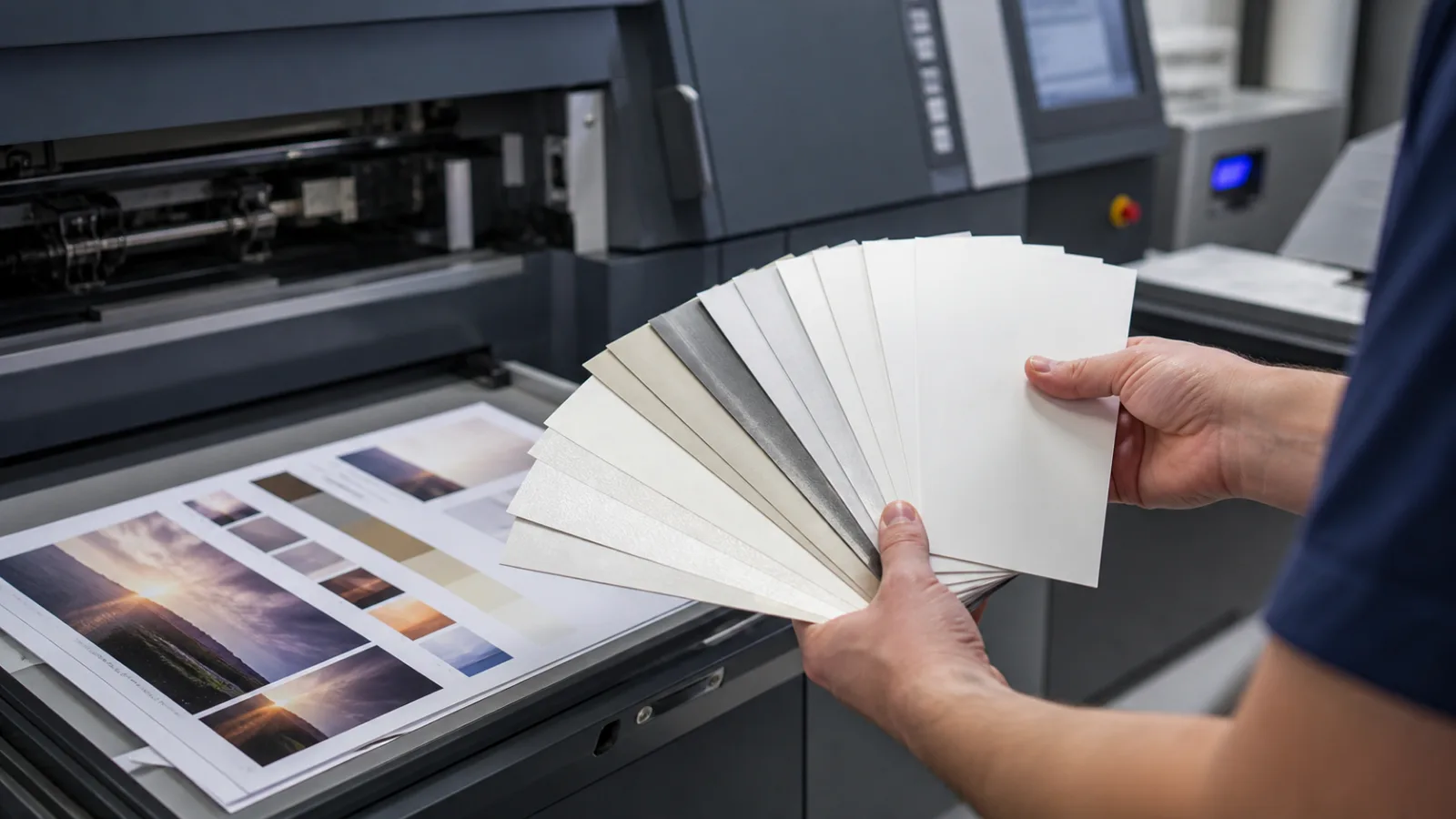
A sheet or web must remain flat and at a controlled distance from the imaging components. Static, dust, skew, curl and thickness variation can cause jams or registration changes. Coated and treated surfaces affect ink spread or toner anchorage. Grain direction determines how a digitally printed piece folds and binds.
Choosing paper for digital printing explains qualification in detail. The short version is to use the press manufacturer’s supported range, identify the exact mill grade, and run a representative production trial before a critical order.
What digital printing changes economically
Digital production removes plates and reduces physical make-ready between images. It is therefore well suited to short quantities, many versions and work that must turn quickly. The click or ink cost does not fall in the same way as offset unit cost over a long stable run, however. Sheet size, imposition, coverage, speed mode and finishing can move the crossover substantially.
The correct comparison is the total finished job: prepress, proofs, setup waste, printing, collation, finishing, inventory risk and delivery. Digital versus offset printing provides a decision table for buyers.
A practical approval sequence
- Preflight the final PDF against the printer’s specification.
- Confirm page size, bleed, finishing layers and variable-data rules.
- Lock the exact substrate and press mode.
- Calibrate the press and output a representative proof.
- Check neutrals, fine type, gradients, solids and critical colours under agreed lighting.
- Complete folds, trimming, coating, lamination or binding on production-equivalent sheets.
- Retain an approved proof and the job’s colour and material specification.
Digital printing replaces the fixed image carrier, not production discipline. The best results come when file, data, colour, press, paper and finishing are controlled as one repeatable workflow.
Common misconceptions
Digital printing is not automatically low resolution, nor is it always the cheapest option. Quality depends on device, paper, calibration and viewing distance; economics depend on imposition, coverage, quantity and finishing. It is also not inherently identical from one press to another. Toner and inkjet systems have different colour gamuts, textures and substrate limits.
A “digital proof” can mean a calibrated contract proof or merely a convenient printout. Ask what it predicts, which profile it simulates and whether it carries a measurable control. That distinction prevents a fast approval from becoming an undefined colour promise.